The Problem
You have a 7GB SQL dump but only need 3 tables. Currently you're stuck in the terminal with sed, grep, and awk - error-prone, time-consuming, and frustrating.
The app for developers on macOS & iPadOS. Stop wrestling with sed and grep. Just drag, filter, and export.
You have a 7GB SQL dump but only need 3 tables. Currently you're stuck in the terminal with sed, grep, and awk - error-prone, time-consuming, and frustrating.
Drag & Drop your dump file, select the tables you need, configure your filters, and export. Clean, filtered SQL in seconds - no command line required.
Everything you need to handle large SQL dumps efficiently
Stream-based processing with constant ~50MB RAM usage. No file is too large to handle.
Detects foreign key dependencies, resolves circular references, and auto-includes parent tables when needed.
Select tables and columns individually by checkbox. Choose exactly what you need — nothing more, nothing less.
Sort INSERTs: original order, alphabetical, by FK dependencies, or manually via drag & drop.
MySQL, MariaDB, PostgreSQL, SQLite & MS SQL. Auto-detected — just drop your file.
Filter by CREATE, DROP, INSERT, ALTER, SET, LOCK and more. Keep only what you need.
Open .sql.gz files directly - no manual decompression needed.
Exclude tables and columns with wildcards like *_logs, tmp_*, or *password*. Combine multiple patterns.
Built-in presets: Structure Only, Data Only, Exclude Logs. Save your own custom presets.
Preview filtered output before exporting. Progress bar, ETA, and detailed statistics on included/excluded data.
No internet required. No tracking, no accounts. All data stays on your device.
Drop your SQL file, select tables, export. No terminal, no command line. Done in seconds.
Simple, intuitive interface designed for developers
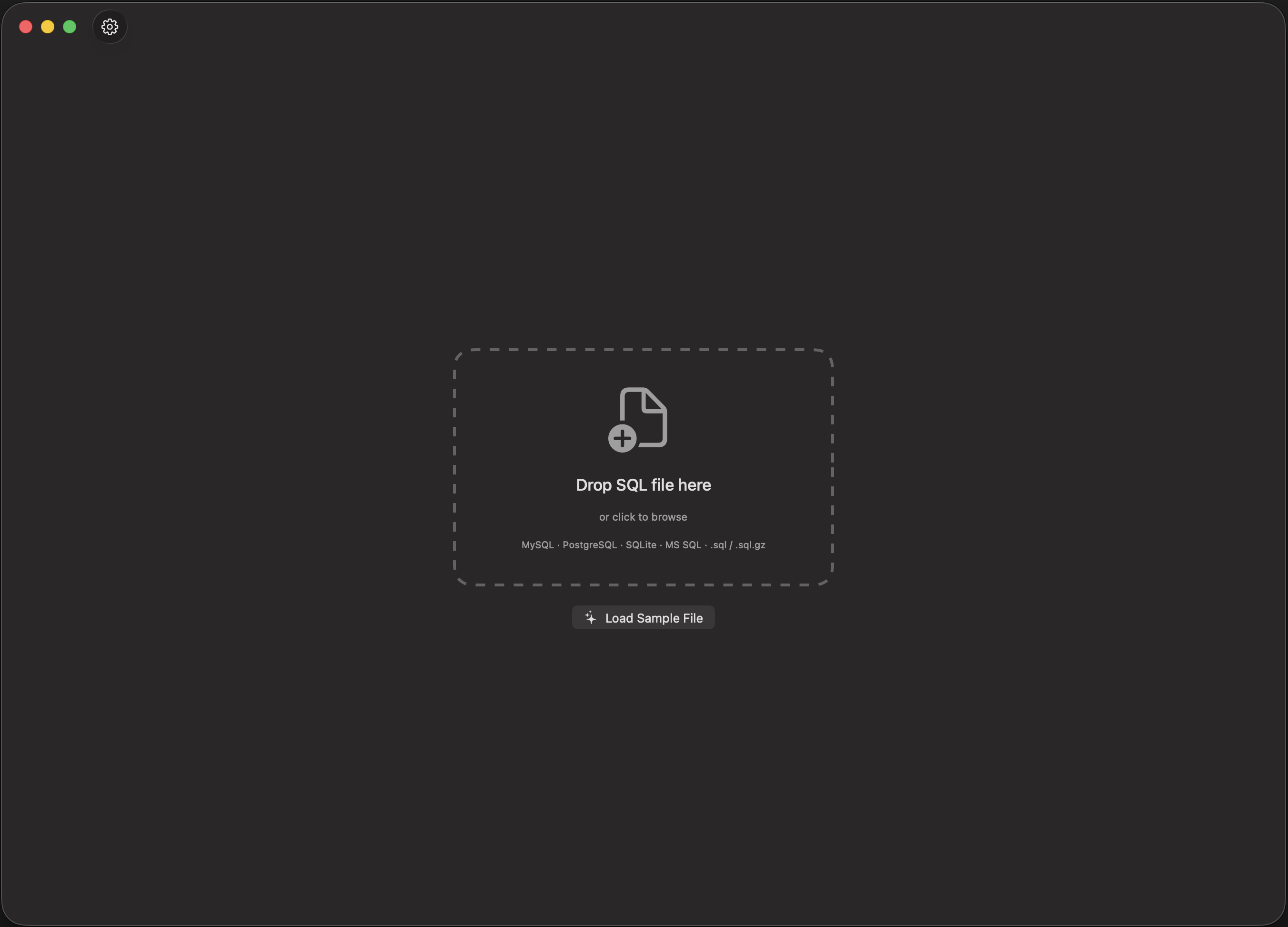
Drag & Drop
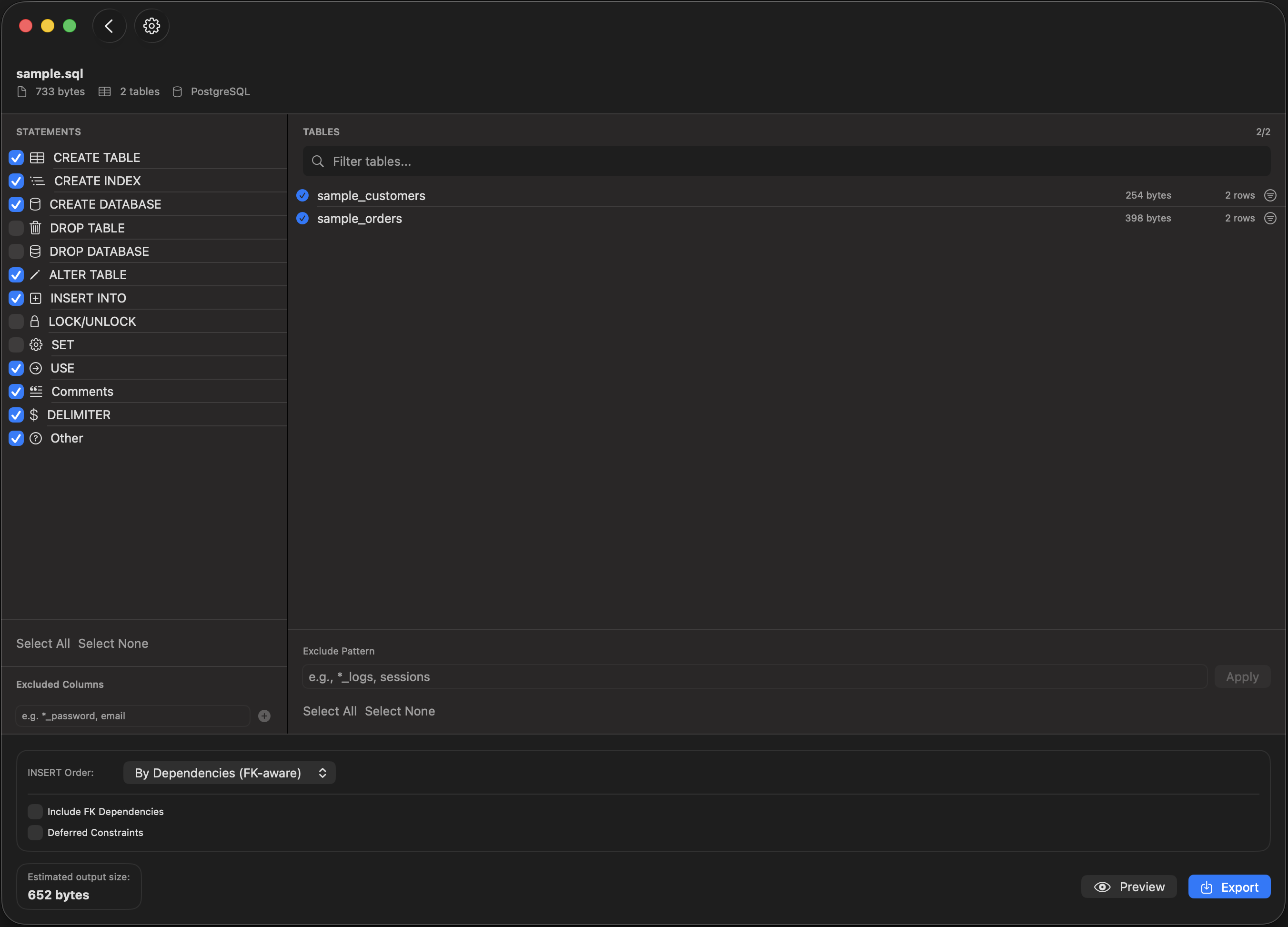
Select & Filter
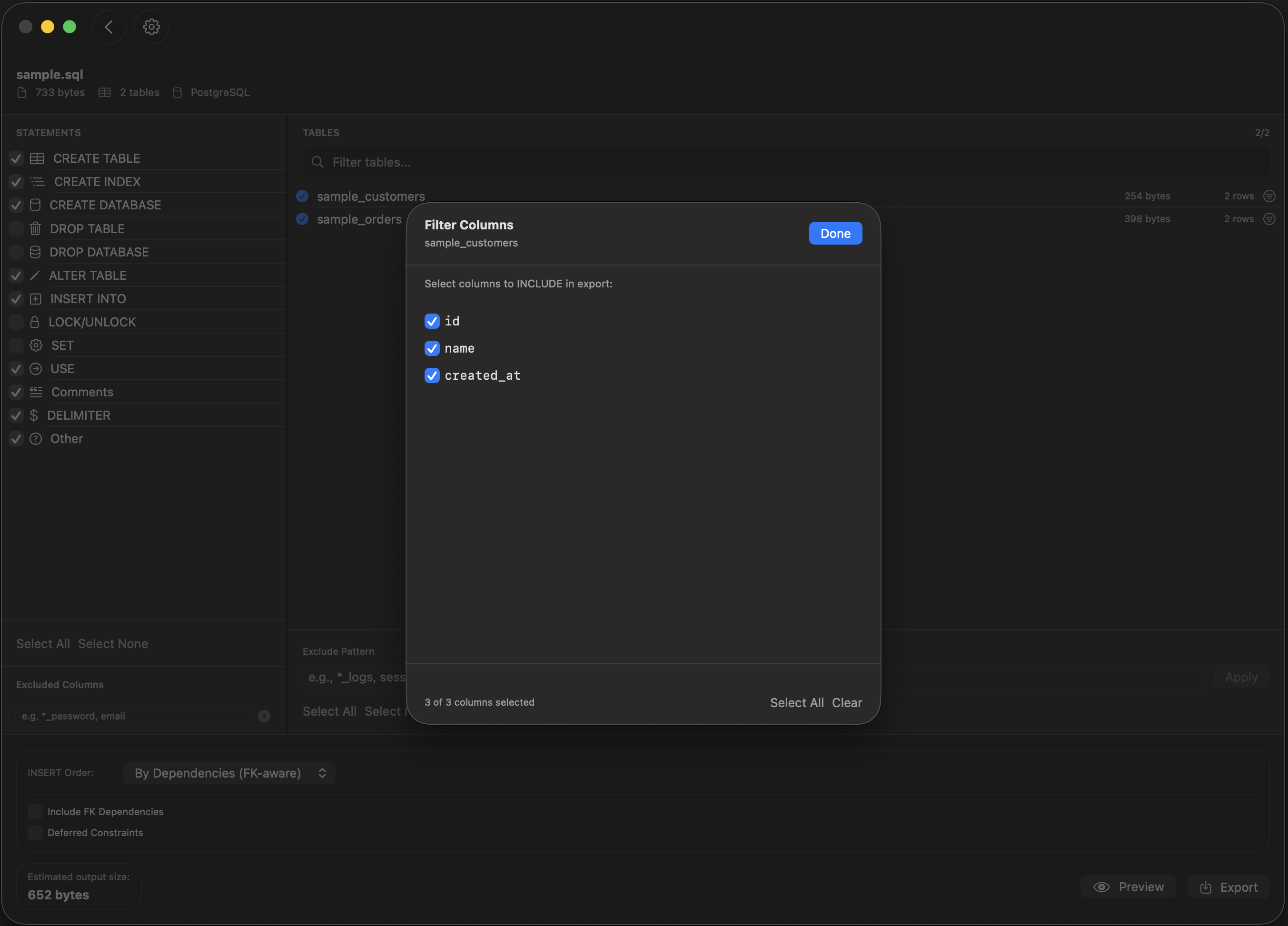
Column Filter
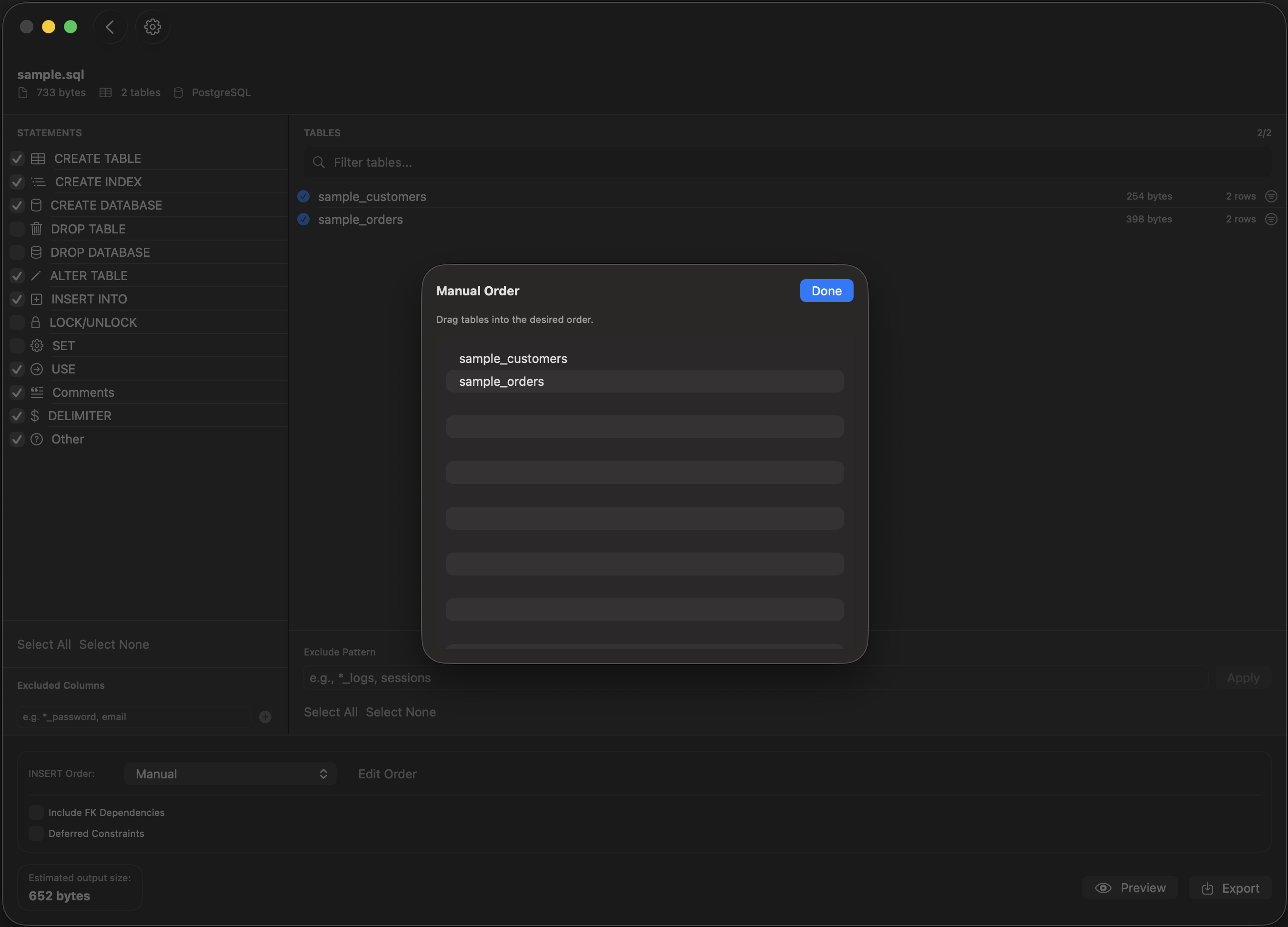
Manual Order
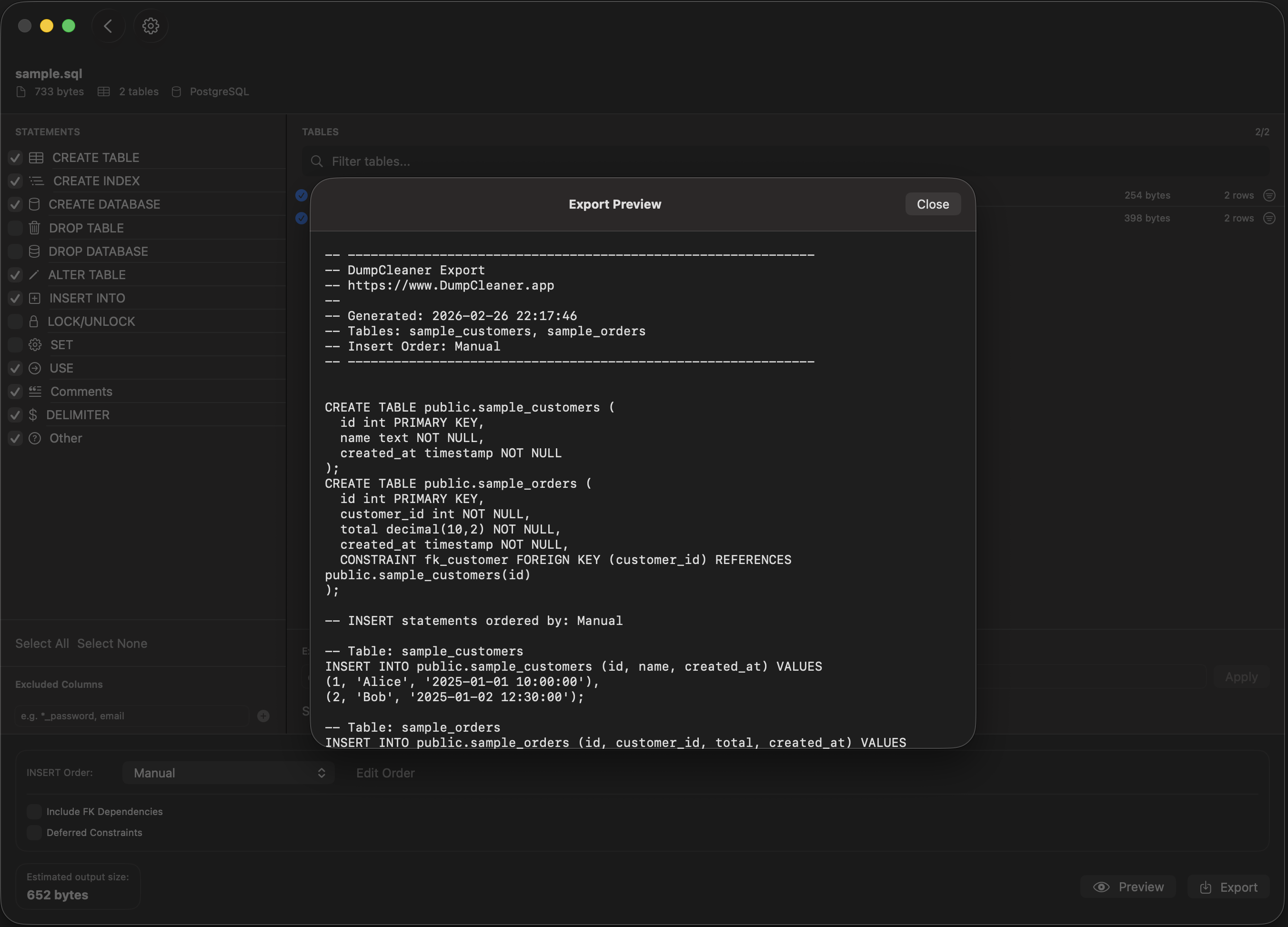
Export Preview
One price, all features, forever
For macOS & iPadOS
Got questions? We've got answers